
Your profile
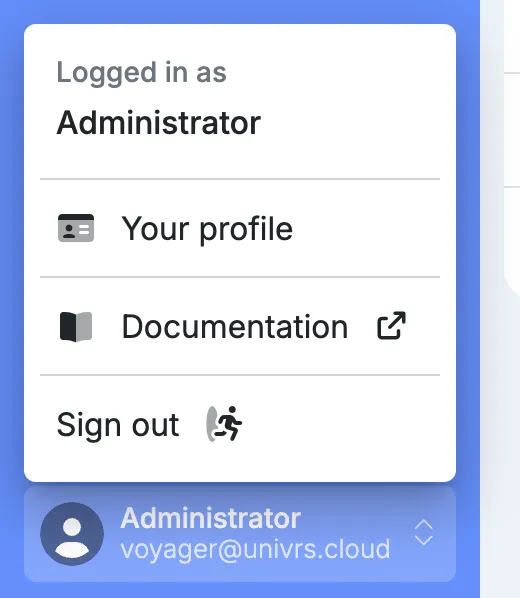
Every signed-in user has a profile, whatever their role. Open it from the account menu with your name, then select Your profile.
It shows your name, username and email address.
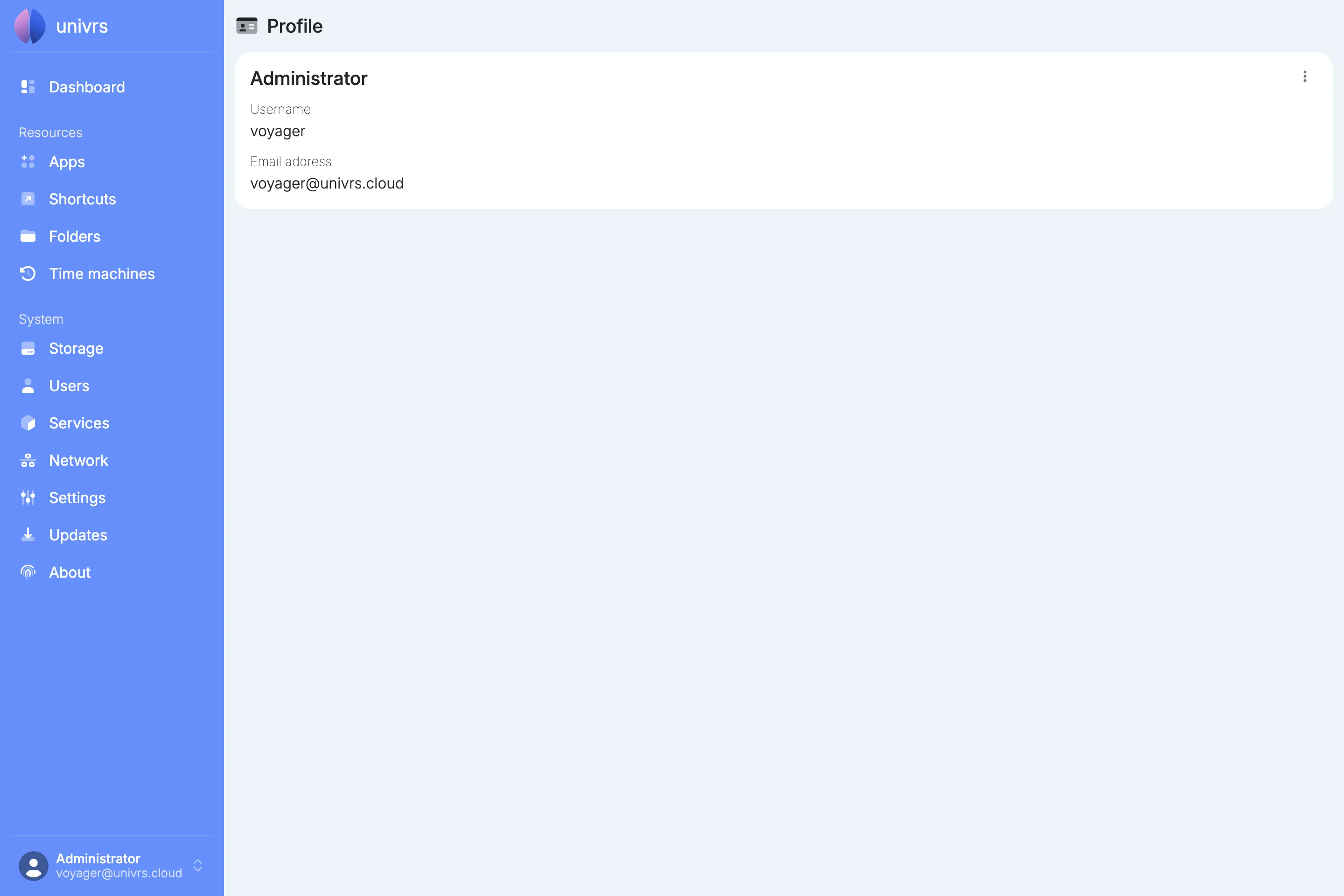
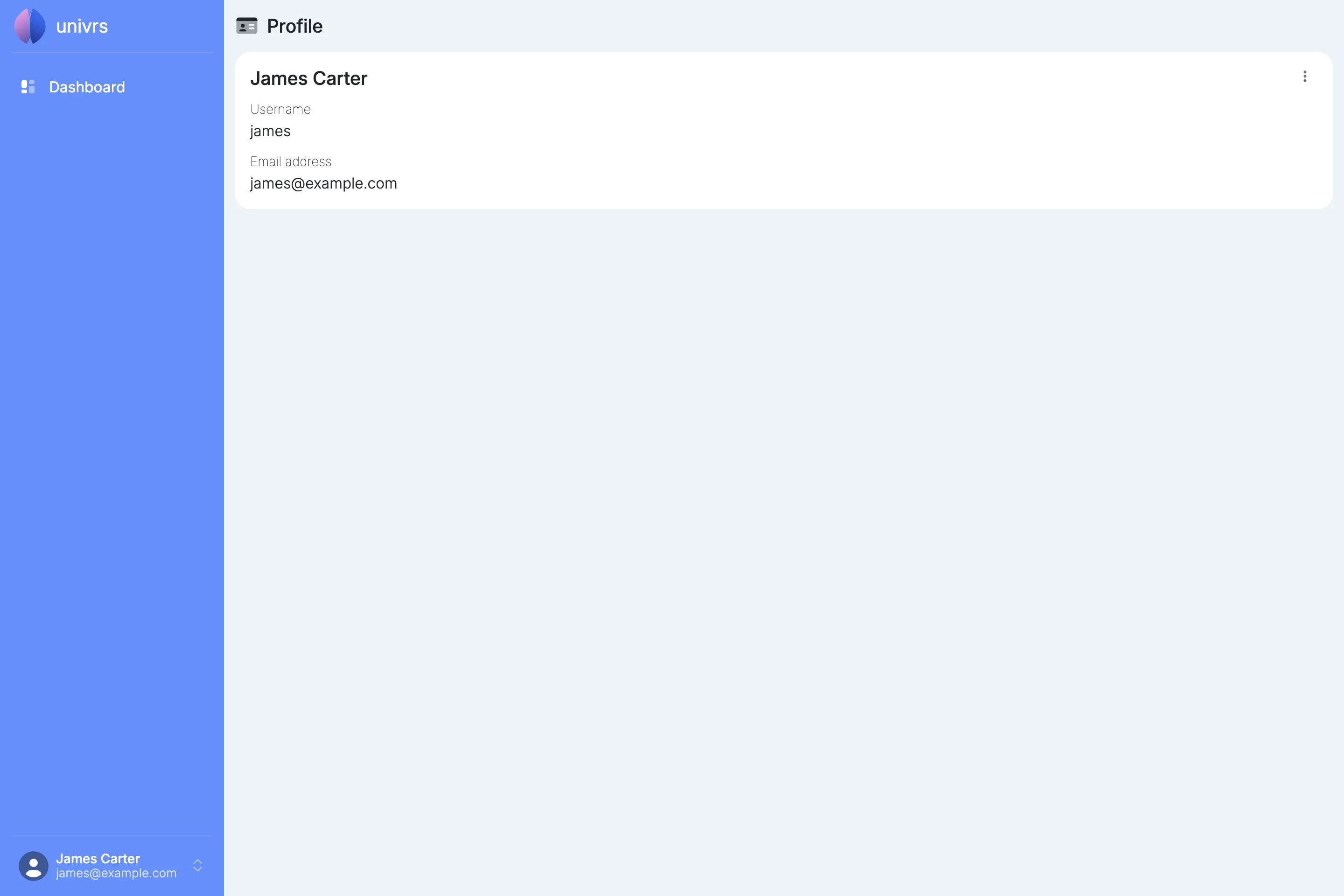
A user without the administrator role sees only the Dashboard and their profile.
Editing your profile
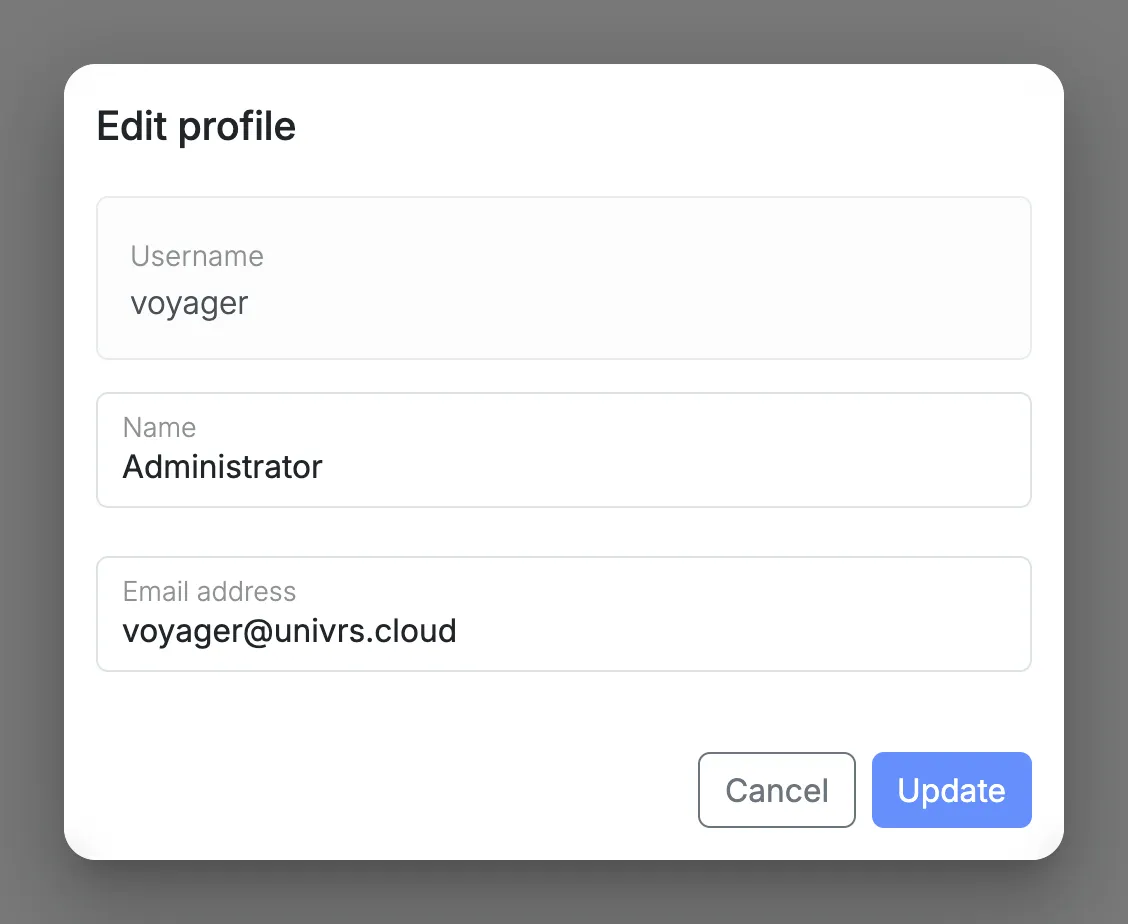
Section titled “Editing your profile”Open the menu on your profile card, then select Edit profile to change your name and email address.

Changing your password
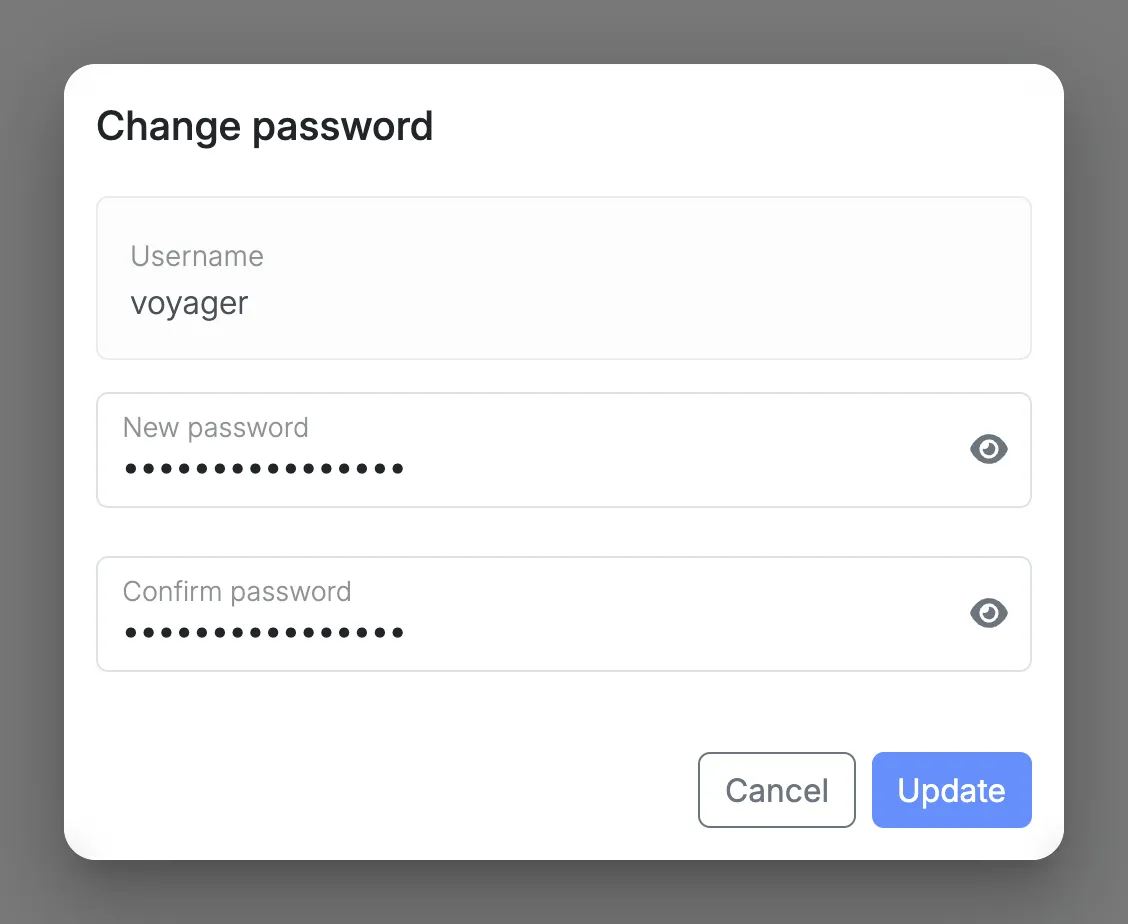
Section titled “Changing your password”Open the menu on your profile card, then select Change password and enter the new password twice.
From then on, use the new password to sign in to the node and to reach folders and Time Machine backups. Passwords you use in apps are not changed.