
Restoring files
Restoring copies files out of a restore point and back into the folder. From a folder, files can only be restored into that same folder or the folders inside it. In a Nextcloud user’s folder they show up in Nextcloud by themselves.
Restoring one file
Section titled “Restoring one file”In the search results, select the restore button next to a version. Restore to starts at the folder, with the folder the file was in already selected.
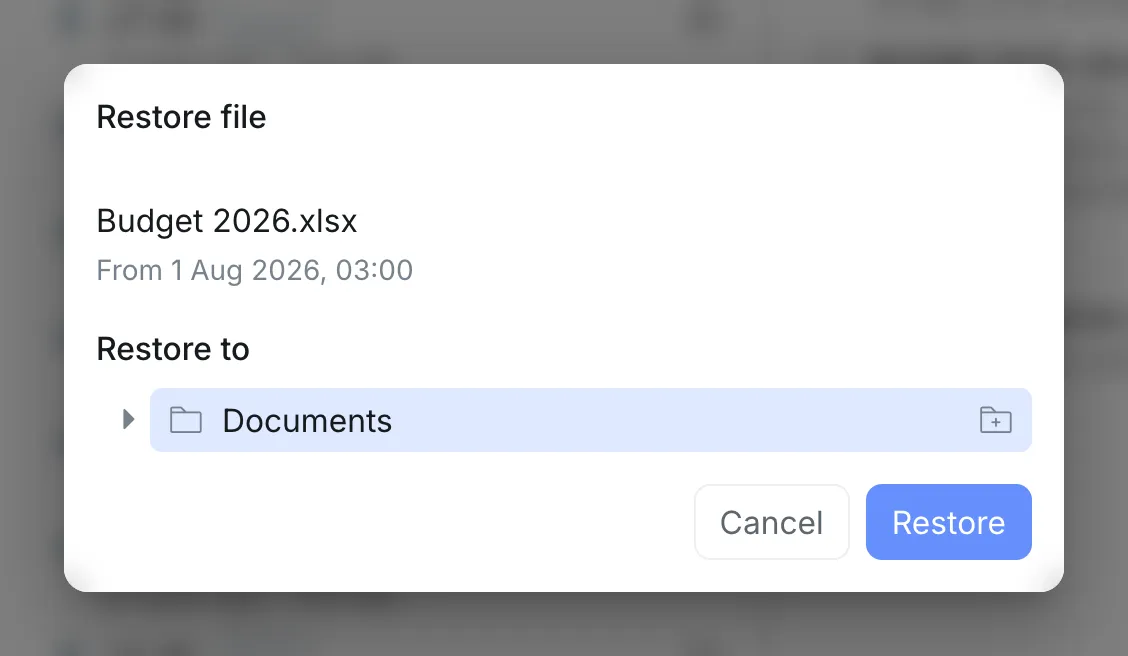
If the file was not there anymore, it is restored straight away. If a file with that name is there, you choose to keep both or overwrite.
Restoring a selection
Section titled “Restoring a selection”In Browse files, select what you want and then Restore. Choose a folder inside the folder and select Restore. Everything arrives there in a new folder of its own, named after the restore point’s date, as described in Restoring a selection.
Both ways can also restore to a new folder.