
Searching files
Search looks through every restore point at once, for earlier and deleted versions of the files in a folder.
Type part of a file’s name, or of a folder it is in, into Search in snapshots on the folder’s Snapshots tab and press Enter.
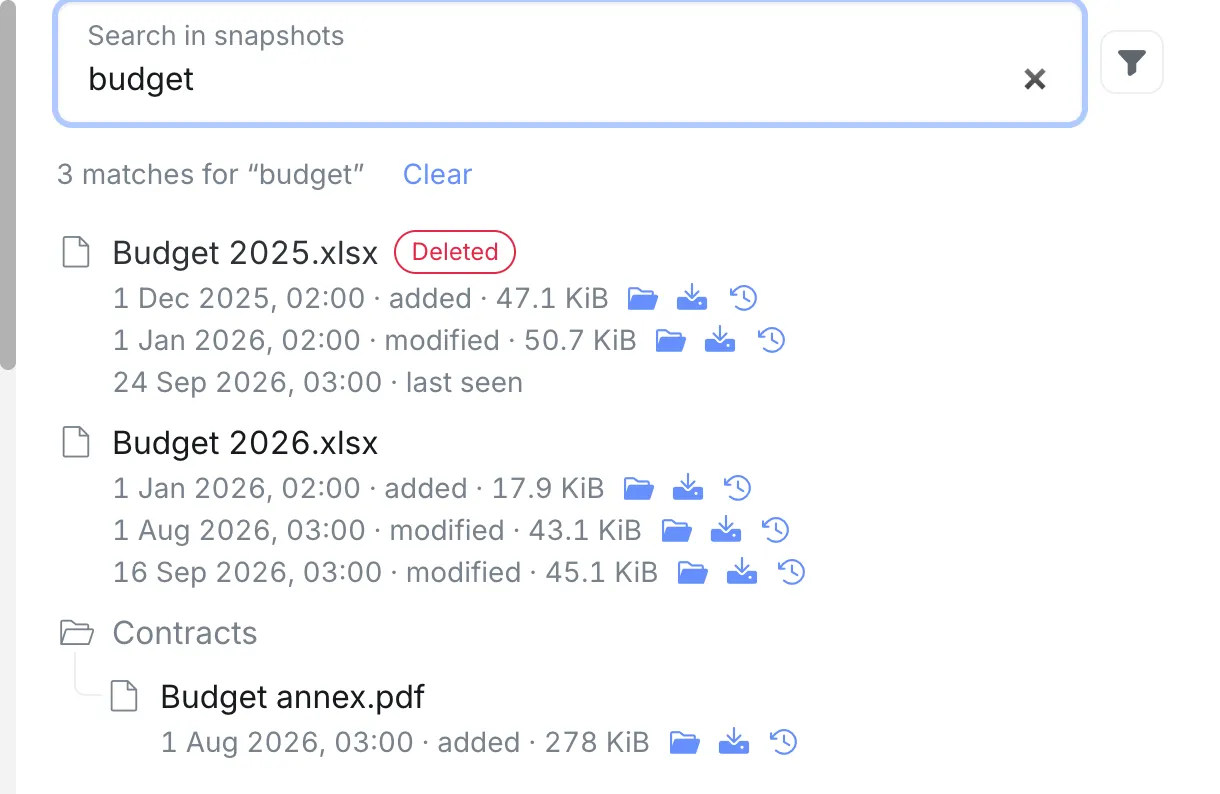
Only the files inside the folder are searched. In a Nextcloud user’s folder, the files the user has in their Nextcloud trash, other users’ files and the group folders are left out; search Nextcloud’s own Snapshots to find those.
The results, the filters, Load more and Clear work as in Nextcloud’s search. Each version can be opened in Browse files, downloaded or restored.