
Expanding the pool
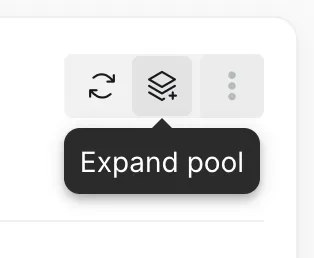
When drives that are not part of the storage pool are fitted, the pool can grow onto them. Select the expand button at the top right of the pool, or Expand pool in the pool’s menu in the list. When the pool cannot grow, the button is grayed out; hover over it to see why.
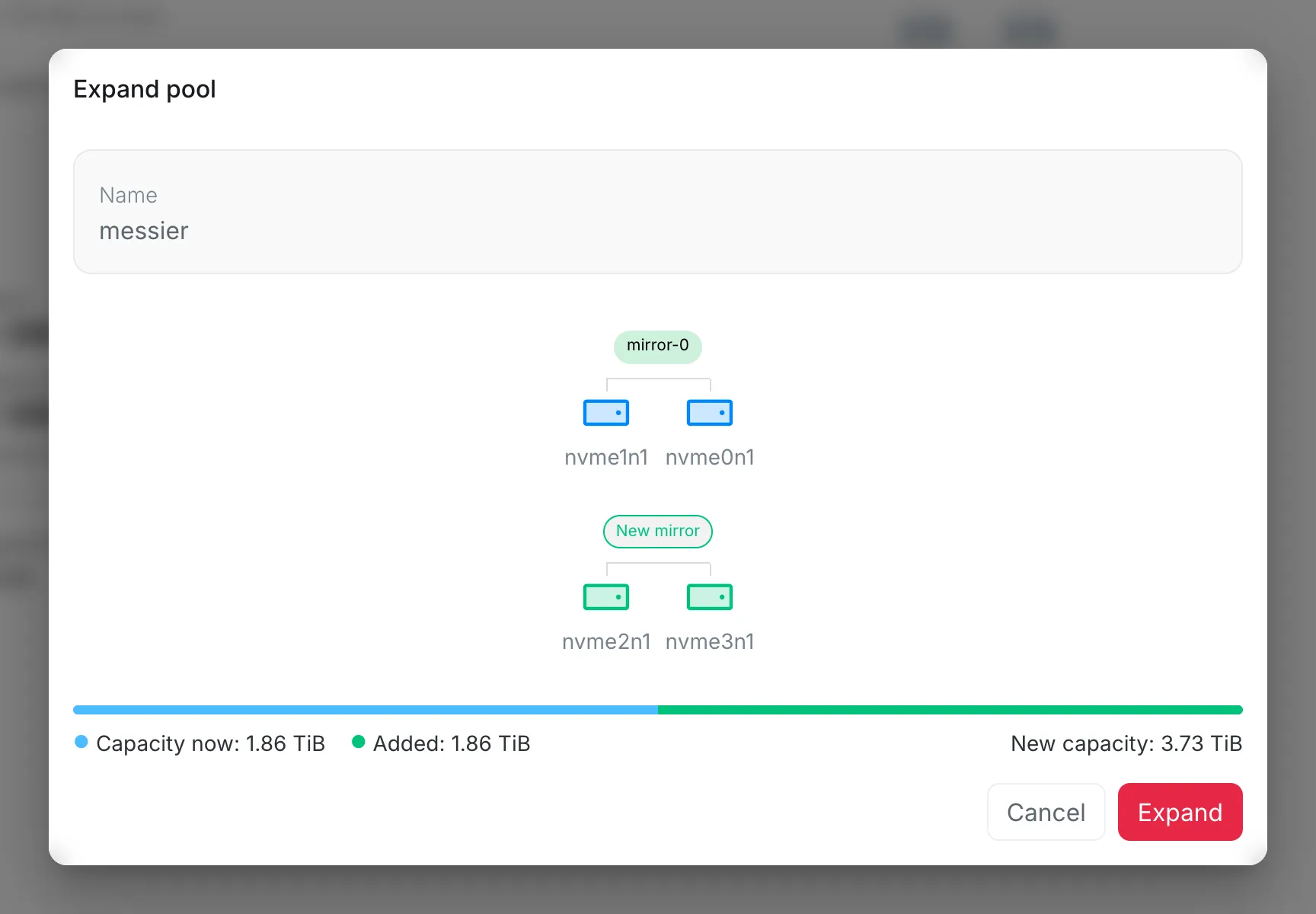
The new drives are added in groups laid out like the pool’s own, here a mirror of two drives. The pool’s current groups are at the top and the new ones below them. A drive that does not fill a whole group is shown under Unused and stays out of the pool. The bar shows the capacity now, what the new groups add, and the capacity after.
Select Expand. A confirmation names the drives that will be erased; tick I understand and want to proceed and select Expand again. A notification shows when the pool has grown.